digital lab : a few extras


Scent

Hi Everyone -

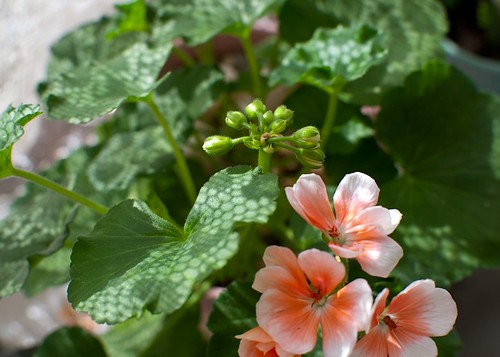
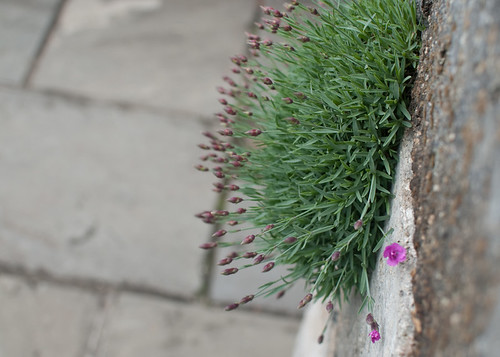
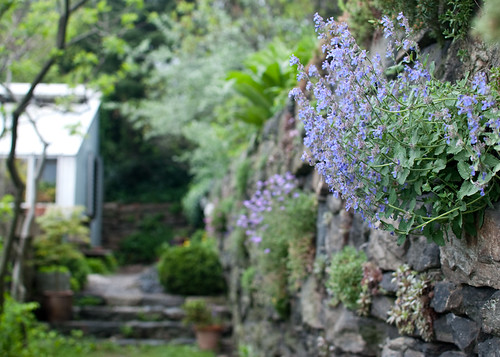
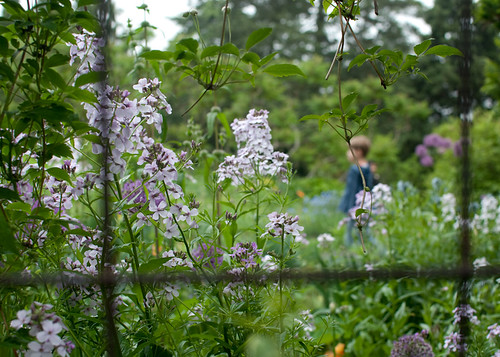
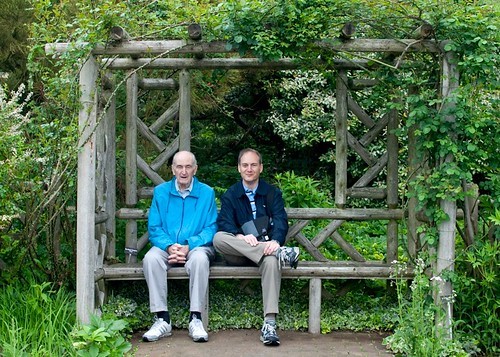
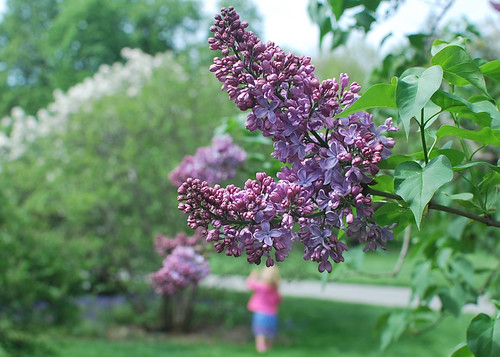
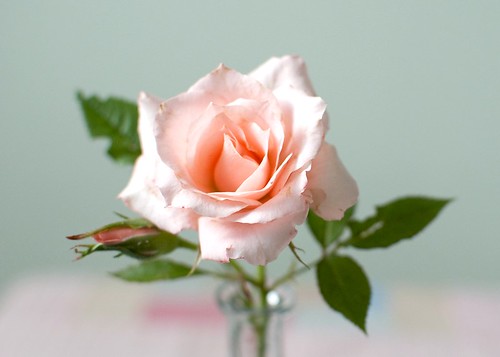
We're printing in class now and it's pretty exciting to hold some actual photos in my hands. It's strange, but most people rarely have their digital photos printed, including me. Sometimes, it can be a nightmare because the image might look terrific on your monitor, but awful once printed. The photos above might not make the cut in the scent category for that very reason. And, don't get me started on white balance - ugh! I do have some general tips that usually don't give me anything to complain about and I hope they do the same for you -

Download & Backup
Our teacher told us about a student who had 700 photos on her memory card. She hadn't downloaded them to her computer. When it was time to download her work to the computers at school using a memory card reader the card broke in half! All 700 pictures were lost. Could you imagine? What if you lost your camera? So, regularly download your photos to your computer even if you don't work on them right away. Also, please be sure to backup your hard drive. All of these things are machines, and just like us, sometimes they breakdown.

Tripod
When I first starting taking still life photos of my sewing projects I never used a tripod for my indoors/lowlight shots. I read about how it was essential, but was sure I was steady enough to hold still. I could hold my breath. Wrong! It takes a little bit of getting used to, but the tripod will ultimately become like a third hand, especially if you add in a wireless remote control. Give it a name and you'll have two members on your team. Your first crew member!

Photo Editing Programs
My version of Photoshop was too old for our new computer and I couldn't justify spending $800 for the newest version. I've used Picasa/iPhoto and you can do quite a bit with them. Piknik looks really good, too. Ultimately, I want to do more with filters and purchased Adobe Elements for $75. It's similar to Photoshop, but not as fancy. It gives you the ability to create layers, which is what is necessary for adding textures, filters, etc.

In class, we use Adobe Lightroom ($200) and it's pretty awesome. We can do quite a bit of photo editing, but it has no layer capability. It's also great for organizing your photos and printing is breeze if you can get the image just right for printing, of course.

Equipment
When I bought my DSLR I didn't want to be a gear head lugging around all this equipment and got the bare minimum. Basically, the camera kit, memory card ($10) and a UV filter ($10). The only things I've added are a 35mm prime lens (no zoom), wireless remote control ($10), memory card reader ($10), and a polarizing filter ($20)). I like the prime lens because it's small, and with no zoom capability, I move around more. Regardless of the story above, the card reader is safer than connecting your camera directly to your computer. The polarizing filter is fantastic for outdoor shots (blue skies love them) and it reduces glare from reflective surfaces like water and glass. You can address this in some photo editing programs, but it's not the same. A lens hood is also often recommended as it prevents light from hitting the front of the lens reducing contrast and creating richer colors. Like the filters, it also protects the lens.

Projects
I've always come up with projects for myself. It's a good way to really get to know a subject and it can be anything you like to photograph. Plus, it's a great opportunity to be your own boss ;). If you love the outdoors, focus on trees from all different angles, different lights, types, etc. The reason photographers like Ansel Adams and Richard Avedon were so successful is partially because they took a lot of photos of similar subjects.

Great Tips
Pioneer Women Photography has really great tutorials on everything from basic photography to Photoshop actions.

Ken Rockwell thoroughly reviews all types of cameras. He's a professional, but basically recommends the Nikon D40 for a DSLR and a Canon SD880 for a point & shoot camera. I resisted getting a new point & shoot and opted for a 35mm prime lens instead.

NUBS has great prices on computer software for students, teachers and schools.

Let me know if you have any questions!

xo, Cindy

PS There is one more thing I need and that's one LCD optical glass screen protector ($10). This thin film looks better to me than the kind that snap on.

life : blue skies


Hi Everyone -

I hope you all had a lovely weekend! We had a lot of blue skies and perfect weather. Thanks so much for the wonderful suggestions for my photography project. Taste seemed to be the prevalent sense and the one that will be the most fun in terms of experimentation ;). As suggested by Deb, I'm going to try to focus on one sense a day. Yesterday, I saw a lot of shadows, but I'm not sure how they fit in, if at all. We'll see.


We saw the movie Up this weekend in 3D and it was terrific. It's weird how these things can really hit home as a key theme is about love and loss (I cried three times). The story is a bit intense at times, although I'm not sure kids pick up on it. The movie touches on regret, fear, stubbornness, but the prevailing theme has to do with the ability to do anything if you just try. Whether you're 8 or 78, don't give up. After the movie ended, we heard a little boy say 'that was the best movie'.


The 'ol ear seems to be heading in the right direction (especially when I don't stick my finger in it) and I think allergies had a lot to do with it.


Hope you have blue skies in your neck of the woods. Happy Monday!

xo, Cindy

life : uncle!


Hi Everyone -

Although I'm learning a lot in photography class, it is kind of long. Three hour sessions once a week for TEN weeks - whoa! I'm too old. We have to come up with a personal project for the last class consisting of five printed photos. I thought I would do the five senses (sight, smell, sound, taste, touch) and I'd like to try to avoid flowers. Ok, maybe one with flowers - scent ;). Some will be challenging, so if you have any ideas about subject matter I'd love to hear them. I'm sure I will drive myself nuts with this project.

I've been running on empty this week for real. My gardening aches & pains are now residing in my left ear, which is killing me. I'm sure there's an alien in there as it's not your typical ear ache. I also heard a report on the radio about people involved in social networking feeling burned out by all the activity. I wouldn't say I'm burned out, but I am tired. I don't think I'm alone, either. I've definitely noticed a trend with others. Probably has to do with the change of season.

Hope you all have a nice weekend! I'm going to be taking a lot of naps and revive myself for our next digital lab and some favorite things next week. I hope.

xo, Cindy

Note: I just saw the commercial for Pixar's new movie Up in theaters this weekend. It's in 3D! I feel better already and these rainbows are sweet, too :).

life : slow poke


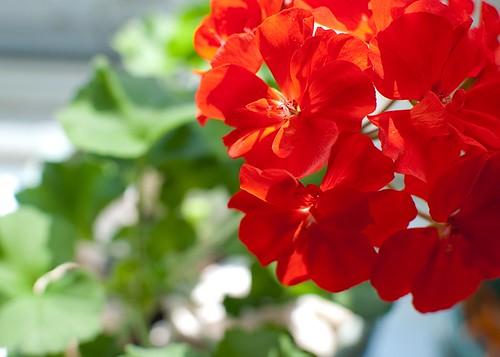
Geraniums on our windowsill.

Hi Everyone -

I hope you all had a nice weekend! I seem to think it's still in play and quite the slow poke today. Some things we did were -
  • Used my camera as a cumbersome piece of jewelry because there was not much mojo for picture-taking. No more flowers!
  • Saw two old movies Marnie by Alfred Hitchcock was so corny, but A Fish Called Wanda was hilarious. Also saw a new movie called The Escapist about a prison break, which was very suspenseful.
  • Wore the new underwear I purchased about six months, ago. It fit, but the next day, I went back to the broken in versions even if you can see through them - sexy's back ;). Too much information?
  • Went out for lunch and ice cream too much.
  • Found out that Charlie frequently watches Lifetime movies.
  • Listened to the baby sparrows chirp on our windowsill because we can't see them.
  • Mostly, worked on our garden, which is so tiny (7 'x 11'). Unfortunately, aches and pains don't really care about the size of the garden. Note to self: do some stretches first next time.
I hope to have more photography tips later this week. Have a good one!

xo, Cindy

garden : better together


Purple & Yellow

Hi Everyone -

I'm drawn to symmetry. I try to be all asymmetrical like my Mom, but it's not my instinct. Even in odd numbers there should be balance. I blame it on being a Libra, which is represented by the sign of the Scales. I also blame my inability to make a decision on the same thing ;).

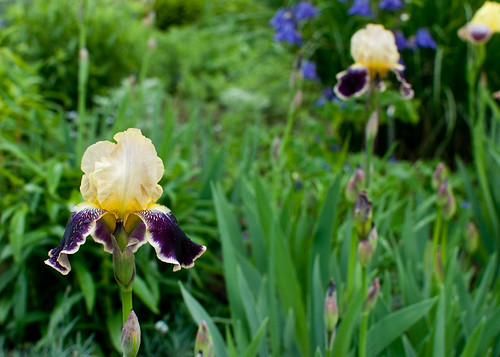
In photography, I love the challenge of trying to find the common theme that ties two images together to make a pair. I don't set out to do so, it just happens if I'm lucky. These photos are from our recent visit to Wave Hill. It was overcast, but bright. Since there is no glare from the sun it's actually a good time to take photos, unless you're looking for blue sky shots. My favorite pair is contained in the very last photo.

We're going to get a head start on the long weekend even though we have no plans. How about you? Any suggestions? Hope it's great!

xo, Cindy

PS There's another pair here.


Pinks Horizontal & Vertical


Fence in stone & metal


Yellow & Green


Daddy Long Legs + One

digital lab : light meter


ISO 100 | Aperture f/5.6 | Shutter 1/320

Hi Everyone -

It is the big day in our digital lab. By learning about the light meter, we will know enough to turn the dial to 'M' (manual). The light meter measures the amount of light that is reflected on a given subject. While the top image seems just about right and is close to the actual lighting at the time, we've all had photos that are over-exposed or too bright. In the photo below, we're actually losing information in the bright white center area.


ISO 100 | Aperture f/5.6 | Shutter 1/60

We've also had images that are under-exposed or too dark. See how we're losing information in the dark areas on the edges and shadows as they're black?


ISO 100 | Aperture f/5.6 | Shutter 1/2500

You might want your photo over/under-exposed, so it's not really about right and wrong. It's more about controlling the outcome. You can adjust exposure in your photo editor, but in these cases those efforts will be limited. It's best to try to take a photo that is properly exposed and make minor edits either way on your computer, if necessary.

In order to set the the correct exposure in Manual mode, you will need to adjust the light meter. Everyone has one in their camera whether it be a point & shoot (find it in function) or a dslr (find it in information display on the lcd or through the viewfinder). It looks like this -

+......................0......................-
over.............. perfect........... under

If you want to shoot on Manual mode you will have to look at the light meter for just about every shot and adjust it up or down. For me, that's too time-consuming, especially when I'm with my family. I'm still figuring this out, but think I will be using the following settings since most of my photos are taken in normal daylight situations -

ISO : 100-200

Aperture Mode : Indoor shots. I'm most interested in setting my depth of field in still lifes and will allow the camera to choose the correct shutter speed. I always use a tripod, so I won't worry about blurring at slower speeds.

Shutter Mode : Outdoor shots. I'm most interested in getting a clear shot outdoors and want my shutter speed set to around 1/60th since I'd rather not take a tripod with me. The camera will automatically choose the aperture, but I'll play with it, too.

Exposure : For all modes on dslrs, there is additional feature that will allow you to adjust exposure in the information display on the lcd screen. It's in a little box.

I've prepared a summary of all the steps (below) and if you send an email to sckrik{at}verizon{dot}net, I'd be happy to send you a pdf to easily print and take with you. As always, let me know if you have any questions. If I've gotten anything wrong, let me know and I'll correct it.

xo, Cindy

Source : Keisha Scarville

__________________________________________

The Power of How
Simple Steps About Camera Controls

Step 1 : ISO -
How is your light?
How does the light look in your environment?
Are you indoors/outdoors? Is it sunny or cloudy? Is it nighttime?

ISO is how the sensor in your camera responds to light. The higher speeds let in more light, but will sacrifice image quality resulting in grain or noise in the photo.
  • 50 - 200 : best in bright light, outdoors, partly cloudy
  • 400 - 800 : low light, late afternoon, heavy overcast, indoors
  • 1600 - 3200 : very little light, night time, indoors
Step 2 : Aperture - How is the focus?
Do you want a shallow or long depth of field?

Aperture refers to controlling the light that passes through the lens and is measured in f-stops. A lens set to its maximum aperture allows the most light to pass through and is considered to be wide open. One that is set to a smaller aperture limits the light and is considered to be stopped-down.

Shallow depth of field = less area in focus, softness, low number.
  • f /1.4
  • f /2
  • f /2.8
  • f /4
  • f /5.6
Long depth of field = more area in focus, clarity, high number.
  • f /8
  • f /11
  • f/13
  • f /16
  • f /22
Step 3 : Shutter Speed - How long is light allowed into the camera?
Do you want to blur or freeze motion?

Shutter speed controls the length of time the camera's sensor is exposed to light passing through the lens and is represented in fractions of a second. A fast shutter will freeze motion while a slow one will blur it.

Blur motion = the lower the denominator the slower the shutter. You are more likely to capture camera shake using these settings, so a tripod is encouraged.
  • 1
  • 1/2
  • 1/4
  • 1/8
  • 1/15
  • 1/30
Freeze motion = the higher the denominator the faster the shutter.
  • 1/60
  • 1/125
  • 1/250
  • 1/500
  • 1/1000
  • 1/2000+
Step 4 : Light Meter - How is the exposure to be adjusted?

The light meter measures the amount of light that is reflected on a given subject. In order to set the the correct exposure, you will need to adjust the light meter. It looks like this -

+......................0......................-
over.............. perfect........... under

A function to adjust the exposure can also be found in the information display on the lcd of a dslr.